
Anima: Light, Fast & Slightly Unruly
An anime model which is the antithesis of Z-Image Turbo

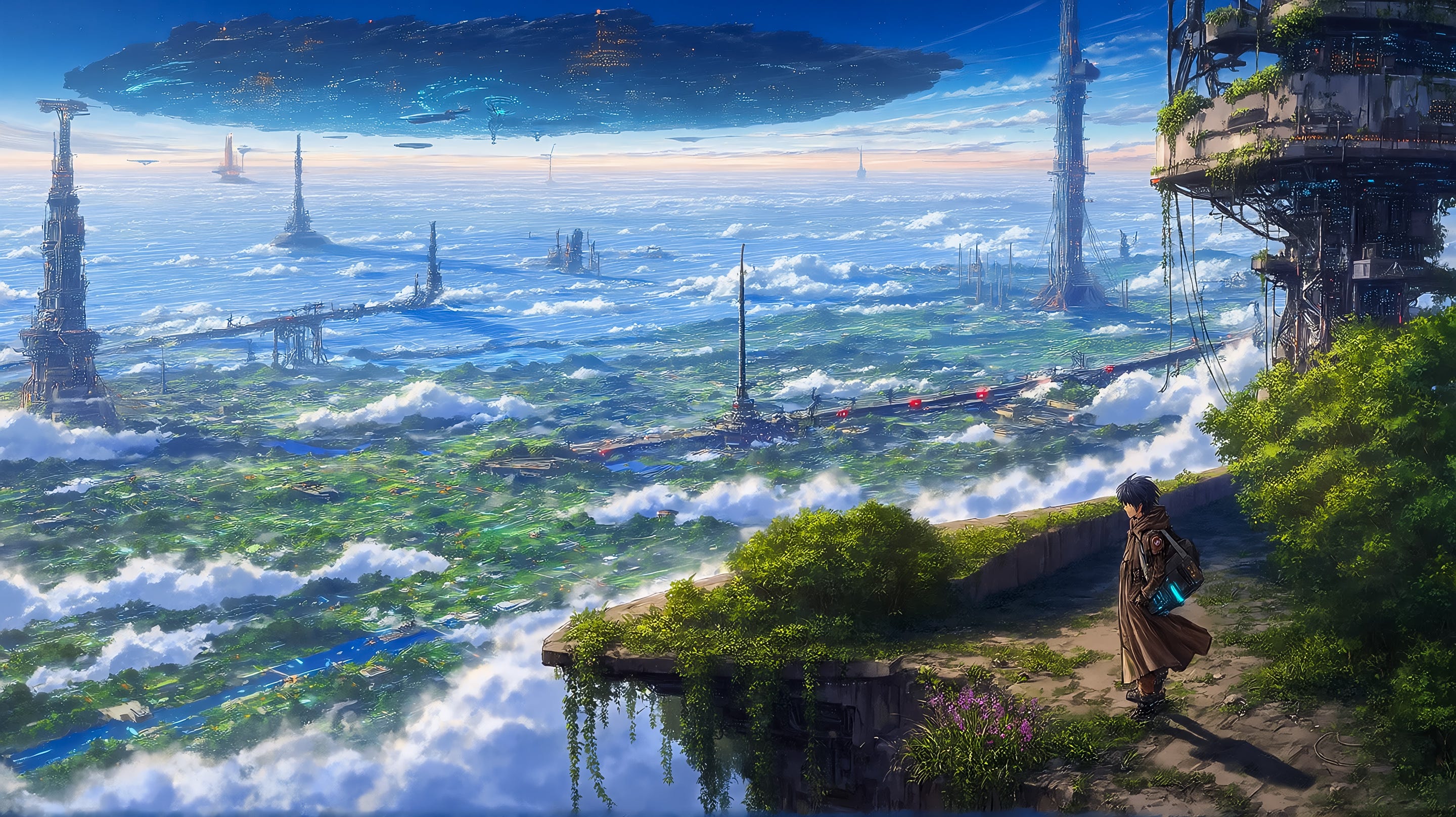
What is Anima?
The Anima diffusion model quietly appeared through some preview releases and a v1 base model without much fanfare. It is a collaboration between ComfyUI and CircleStone Labs, an AI start-up.
The standout headline is that it is not a photorealistic model, which sets it apart from the vast majority of recent model releases. The release notes say the model was trained on several million anime images and around 800 thousand non-anime artistic images.
They claim no synthetic data was used for training and the model knowledge has a cut-off date for the anime training data of September 2025.
The result is an open-source, compact footprint, 2 billion parameter, text-to-image model specifically designed for anime, manga, illustration and artistic concept art. An area currently dominated by SDXL and it’s finetunes such as Illustrious and Pony.
As a ground up anime, illustration and artistic model it should produce cleaner linework, better anime anatomy, more consistent character rendering with
less tendency toward accidental realism.
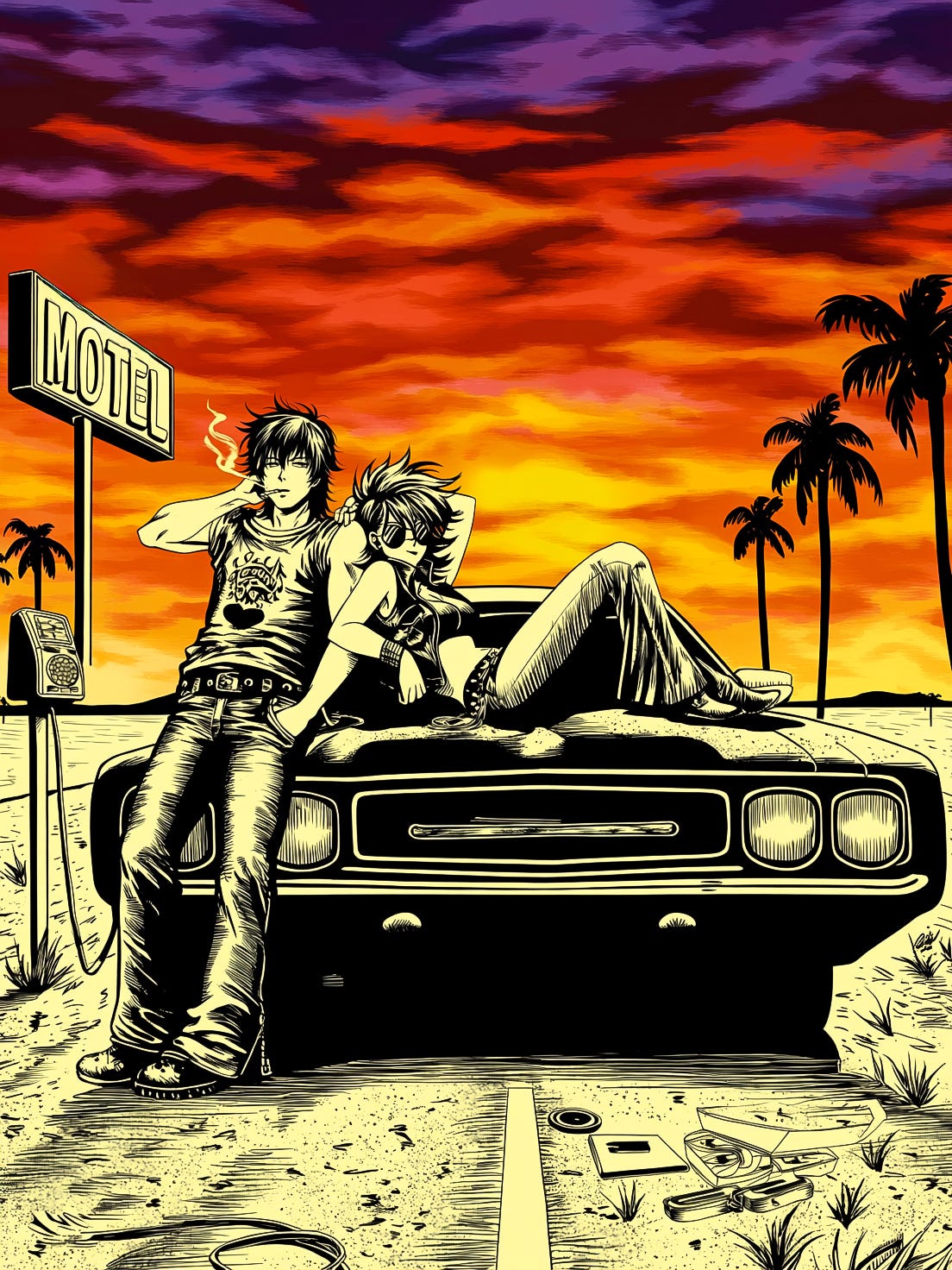
SDXL vs Anima Comparison
SDXL being older relies on a traditional UNet architecture and CLIP text encoders, whereas Anima is a distinct, lightweight transformer-based model developed using a streamlined version of NVIDIA’s Cosmos architecture.
How They Compare
Prompt Understanding: Anima uses a Qwen language adapter (LLM) as a text encoder which excels at natural language prompts and prompt adherence, whereas SDXL relies heavily on Danbooru “booru” tags. Anima, however, also supports Danbooru tags - more on this later.
Quality & Detail: Anima utilises a 16-channel VAE, an upgrade over SDXL’s 4-channel VAE, resulting in improved lighting, composition, and background details.
Speed: Because it is built on newer flow-matching prediction rather than older UNet prediction models, Anima is inherently slower to generate images on consumer GPUs compared to highly-optimised SDXL checkpoints. Anima is still very fast compared to heavier photorealistic models such as Qwen and Flux.
Ecosystem: SDXL has massive community support with an extensive library of custom fine-tunes, checkpoints, LoRAs, and character models. As Anima uses a different architecture SDXL LoRAs are not natively compatible but new LoRAs for Anima are appearing all the time.
Licensing: The base SDXL checkpoints offer a commercially permissive license, while Anima’s licensing is more restrictive and geared toward personal hobby projects.


Anima Basics
Not surprisingly, given its origins, Anima is supported natively in ComfyUI and is supported with relatively low VRAM requirements, officially 8GB but users report that 6GB is also workable.
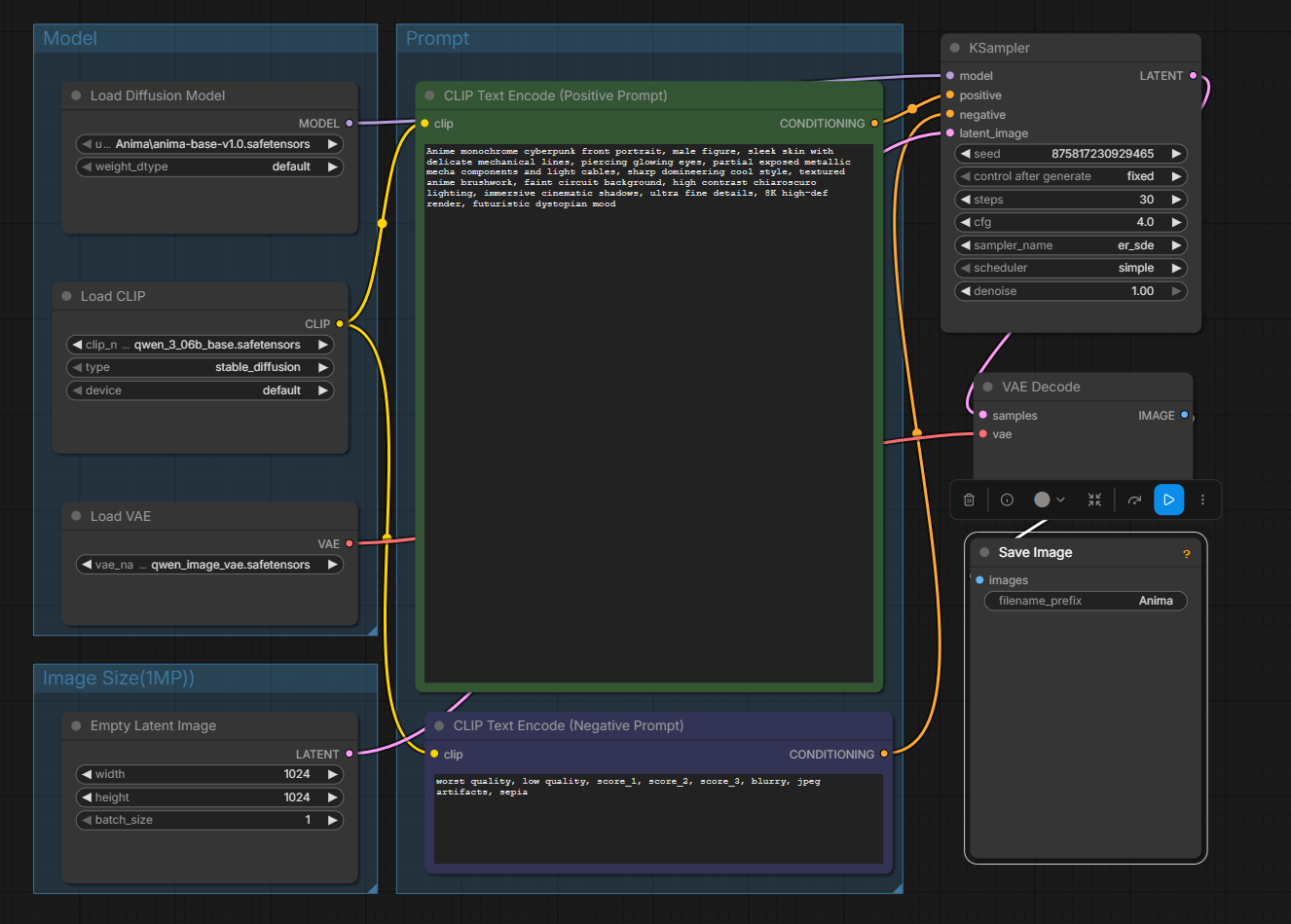
The workflow in ComfyUI is very similar to other transformer based models requiring a base model, text encoder and Variational Autoencoder (VAE).
Model: The v1 base model and previous preview models are available from Hugging Face and are only 4GB in size.
Encoder: 0.6B parameter Qwen3 text encoder (1.2GB), also available from the Hugging Face link.
VAE: Anima uses the Qwen Image VAE, available from Hugging Face, or you will have it already if you use the Qwen Image models.
Anima uses a standard workflow with several basic examples shipped as templates with the latest ComfyUI version.
Performance
On an RTX4060 Ti 16GB VRAM using the standard workflow with er_sde/simple sampler/scheduler combination and 30 steps, each step is taking about 1.8s with the overall generation coming out in less than 1 minute.
It’s unusual to see a current model not maxing VRAM, with 16GB mine is typically only at 50% utilisation.
Adding in a LoRA seems to add a couple of seconds to the overall generation. Switching to different samplers/schedulers does not alter generation time significantly.
If speed is a real concern there is also an early Turbo LoRA available to reduce the number of steps down to 8-12. I have tried some quick tests and it generally works although I saw some odd compressing of limb lengths in some images.
Prompting
Prompting for Anima is interesting as with the Qwen text encoder it supports natural language, however, it also supports Danbooru-style tags which are heavily used in SDXL based models. In fact you can even blend them together in the same prompt.
What Are Danbooru-Style Tags?
Danbooru-style tags originated from Danbooru, an anime imageboard launched in 2005 that allowed users to categorise images with detailed, searchable tags. Its tagging system became one of the most comprehensive image-labelling taxonomies on the internet. Many anime and illustration AI image generation models were trained on datasets that included Danbooru-tagged images so this led to prompting following the same tag approach.
From a token usage point of view they are efficient but they do not offer the control of natural language based prompts, but this can be a benefit depending on what you are trying to achieve as the tags provide a guide but allow the model space to produce more creative output.
1girl, solo, looking at viewer, masterpiece, detailed eyesThere are hundreds of thousands of Danbooru tags listed in databases and on websites. The Anima Style Explorer lists some 60,000 artist styles used in the training dataset which can be referenced in prompts.
For those used to Danbooru tags from SDXL prompting it is an easy switch to Anima, however, the support for natural language prompting provides another level of control.
Natural Language Prompts
Anima has been called out as having good prompt adherence. My experience so far is that it is fairly good but do not expect Qwen Image and Flux.2 levels of prompt adherence. I find it gets the general aspects correct but varies on the details, you can view this as creative but it can be frustrating.
Very short prompts will give the model a large scope for creativity, however, very long prompts seem to degrade the overall adherence and sometimes quality. I haven’t found the optimum length yet but I suspect it is around two to three paragraphs with less than 15 lines of text in total.
You can mix tags in with the natural language, although it is suggested any style/artist references are at the beginning the prompt. Note: Artist reference tags have to be preceded by the @ symbol.
Users report that hybrid prompting delivers the best balance between prompt comprehension and anime aesthetics. Anima does seem to be sensitive to repetitive tag overloading - clean, concise, descriptive prompting is best.
Can I Use JSON Prompting?
There is some discussion in online forums around using JSON prompting with Anima. There is no information I have found to suggest Anima supports JSON natively, however, I expect the Qwen text encoder is doing a reasonable job of interpreting JSON formatted prompts.
I have done some quick testing and found that simple JSON or YAML structured prompts do work but they break down rapidly as the prompt becomes more complex. There is nothing to suggest JSON or YAML would produce better quality images than natural language or Danbooru format prompts.
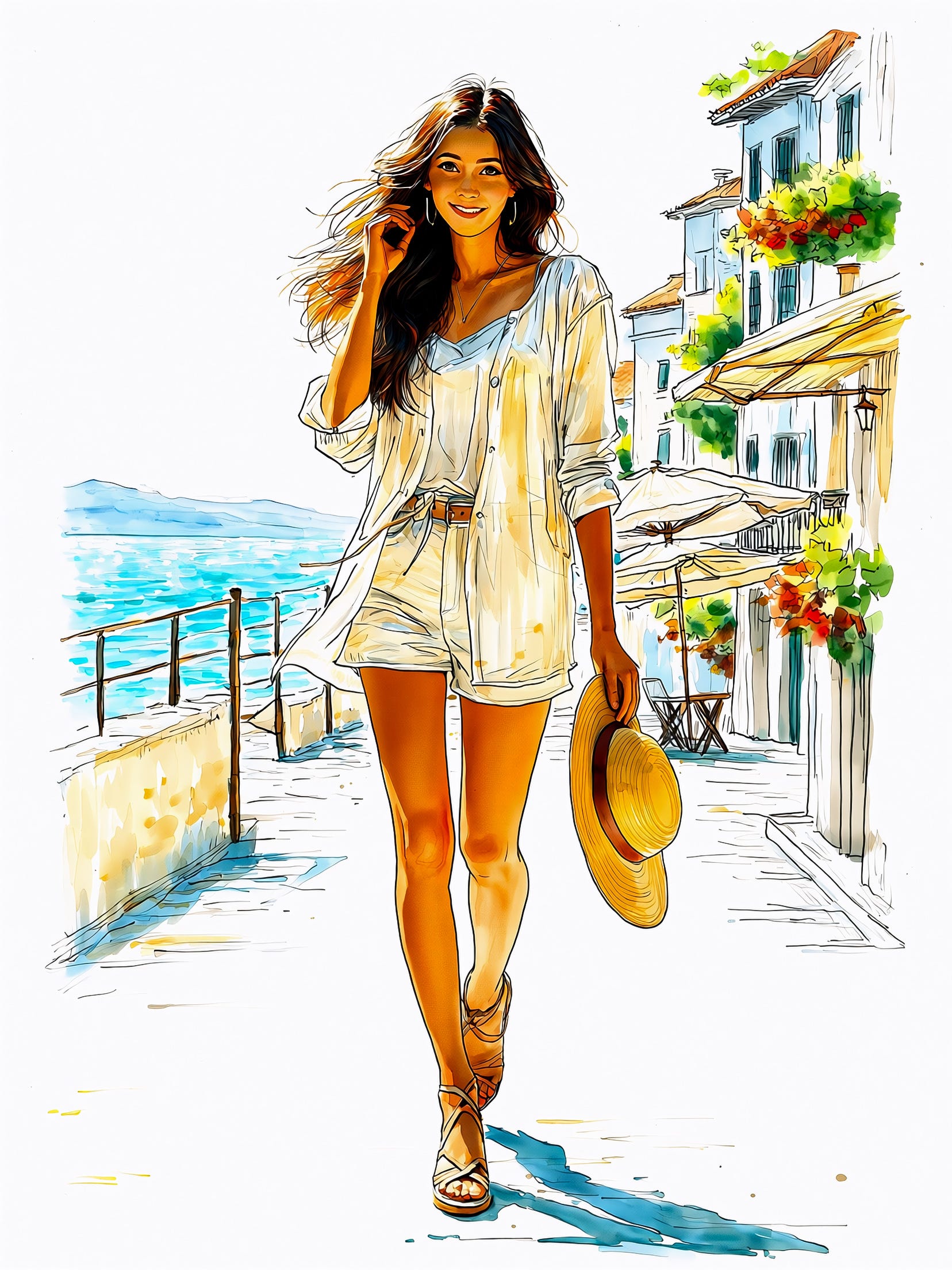

Negative Prompts
Anima supports negative prompts and these can be used to help guide and control anima away from certain styles such as “photorealistic”, as well as the usual collection of tags such as “blurry, low resolution, oversaturated, watermark, messy typography, distorted anatomy, overexposed highlights, bad hands, malformed hands” etc.
Also worth noting that Anima is a fairly uncensored model and can throw up undesired content if the prompt is short or vague. There are ‘safety’ tags you can use such as safe, sensitive, nsfw and explicit in the appropriate positive or negative prompt to avoid this behaviour. This is particularly relevant if you are reusing Danbooru style prompts which do not have much detail.
The Hugging Face Model card for Anima includes more details on tag order, syntax and natural language approach.
Generation Settings
Resolution
The official documentation suggests images sizes between 1MP and 2MP are best and I have found the usual aspect ratios of 1:1, 3:4, 4:5 and 16:9 all work.
I have run image generations up to 1536x1536 with no issues but I think the quality is slightly better and more consistent at a lower resolution.
Steps
For the base model 30-50 steps are suggested, I have found that 40 or above provides the best quality, but dropping to 30 can still provide a good result depending on the sampler.
CFG
The recommended range for CFG is 4-5, some anime models benefit from very high CFG values, but Anima tends to produce cleaner results with lower guidance. As you push the CFG higher, certainly above 10 it produces over-saturated colours with harsh outlines and burned highlights.
Samplers/Schedulers
The choice of sampler/scheduler comes down a lot to personal preference for the style you are looking for so it is a case of trying a variety and seeing how they change the output, and with Anima they can have a big effect on the output.
I’m not going to cover all samplers as there are so many combinations possible but a few comments on some of them:
Euler A
Softer anime lines
More painterly output
Slightly 2.5D aesthetic
Good for character art, illustrations and cover art
ER-SDE
Crisp line art
Flat anime colouring
Consistent results
Good default choice
DPM++ 2M SDE GPU
Greater variation
More creativity
Richer compositions
Can be unpredictable with complex prompts


I am generally a big fan of the ClownShark sampler, however, with Anima so far I have not achieved particularly good results so I have stuck with the standard KSampler.
General Thoughts
Anima is a very accessible model requiring relatively modest hardware, yet running fast and producing high quality output. Given it’s small size and speed it is not surprising that it has some limitations.
Text rendering is at the weak-end by today’s standards, best kept to one or two words. Prompt adherence is good but can be frustrating if you are used to Qwen and FLux.2 levels, in fact Anima seems to almost rebel against prompts that are too restrictive, it works far better when given a loose guide with room to be creative.
I guess that is sort of the point, if you want precise control you use a model like Flux.2. Anima isn’t trying to be Flux.2, it is a more free flowing anime, illustration and art model which produces unexpected and varied output, taking a rough creative idea and interpreting it in many different ways.


I have been impressed by the quality of images Anima can produce for anime, watercolour, sketches, etc. but it can take a number of generations to get what you want, requiring varying the prompt/tags, seed and sampler until you hit on the right output.
Given the training bias towards anime it is not surprising anime is where it is strongest, however, with the right prompt and tags you can also get Anima to produce some quite abstract and creative output. Add in some LoRAs and it can be taken further into different styles.
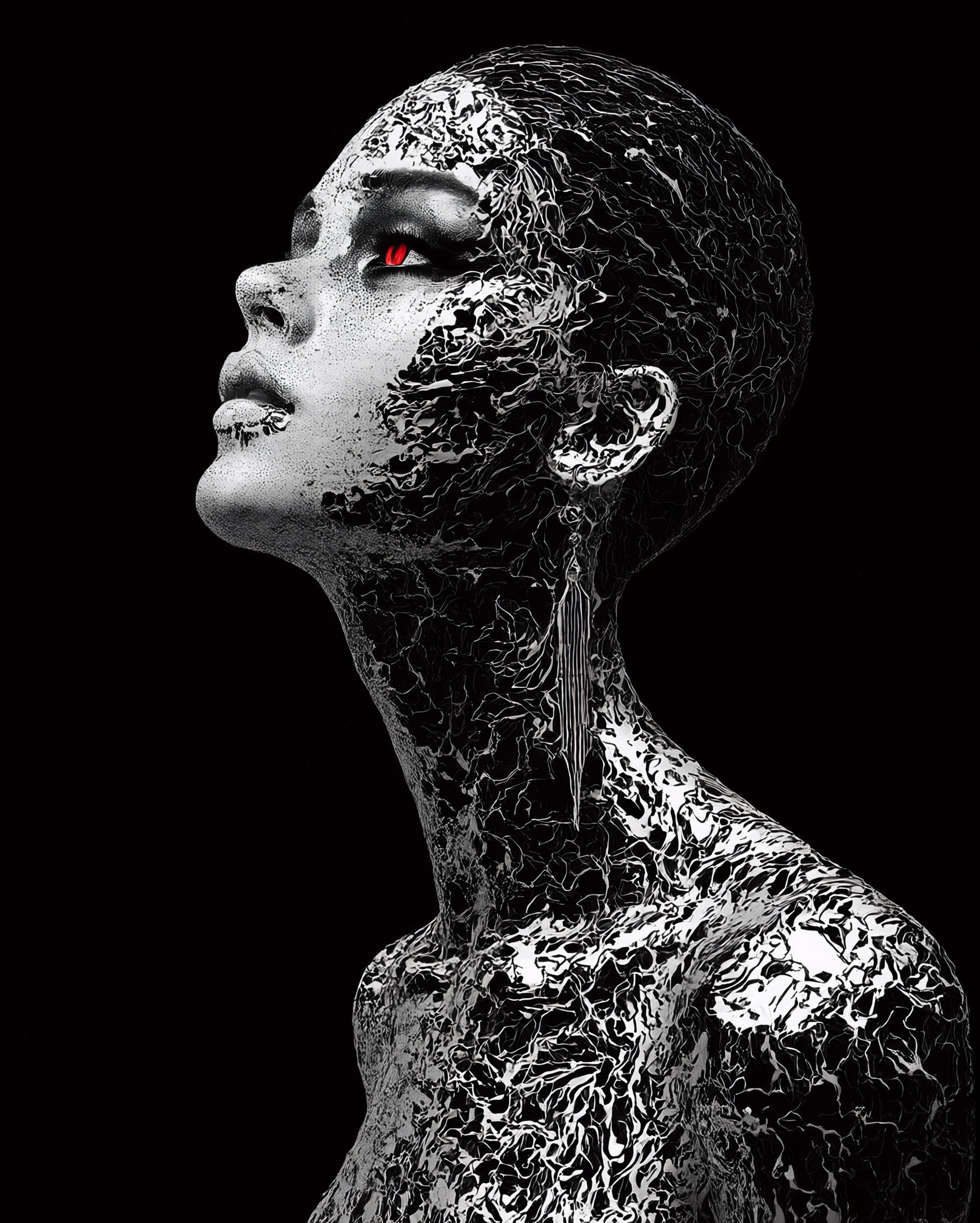
The speed of Anima makes it a quick and fun model to work with when you want to experiment, especially when you are happy to allow the model to do its own thing. The base model has only been out for a couple of weeks so I expect we will see an array of finetunes and LoRAs in the community over the coming months which will add further variety and refinement.